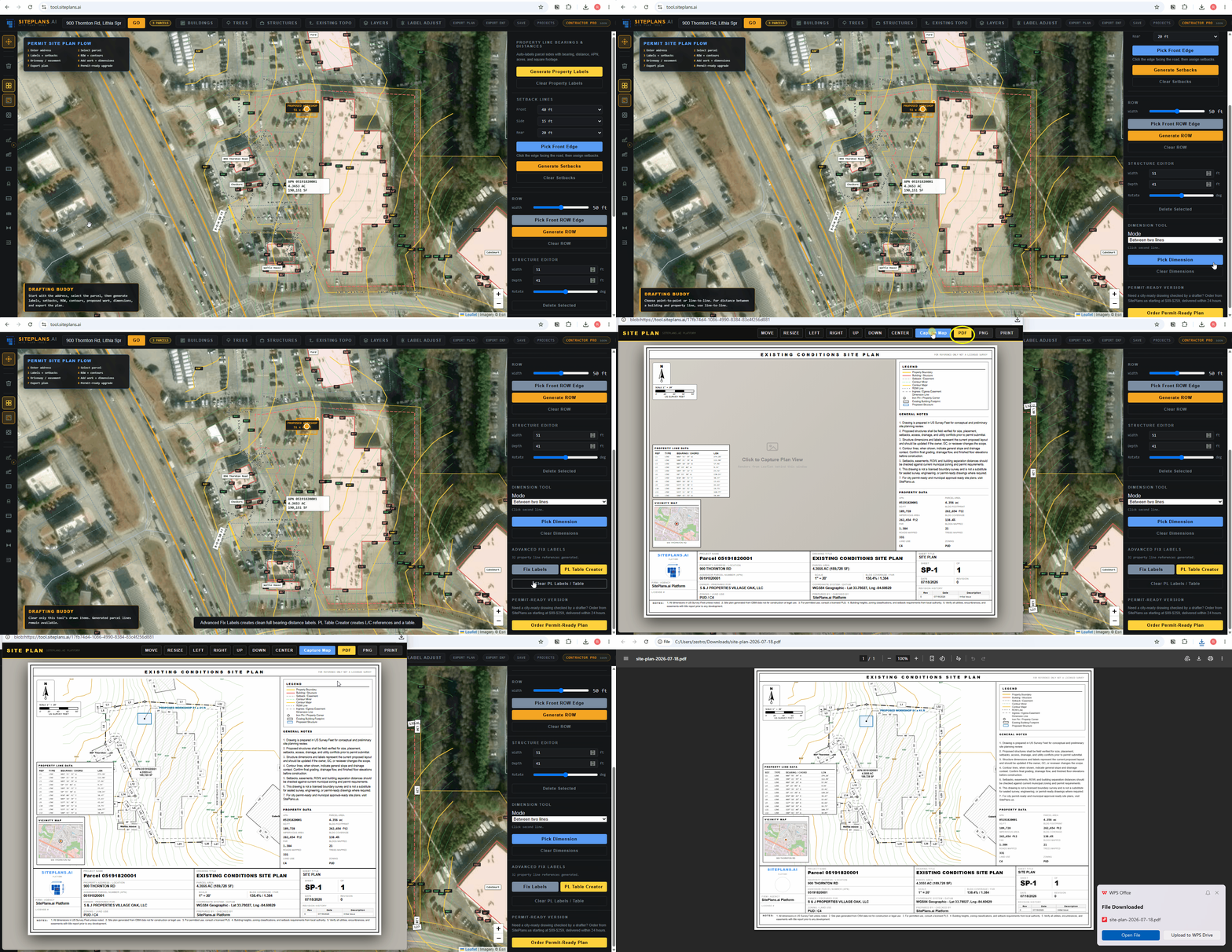
Enter address
Use the full street address with city and state. If the first result is weak, try the official postal version of the address.
Read address guide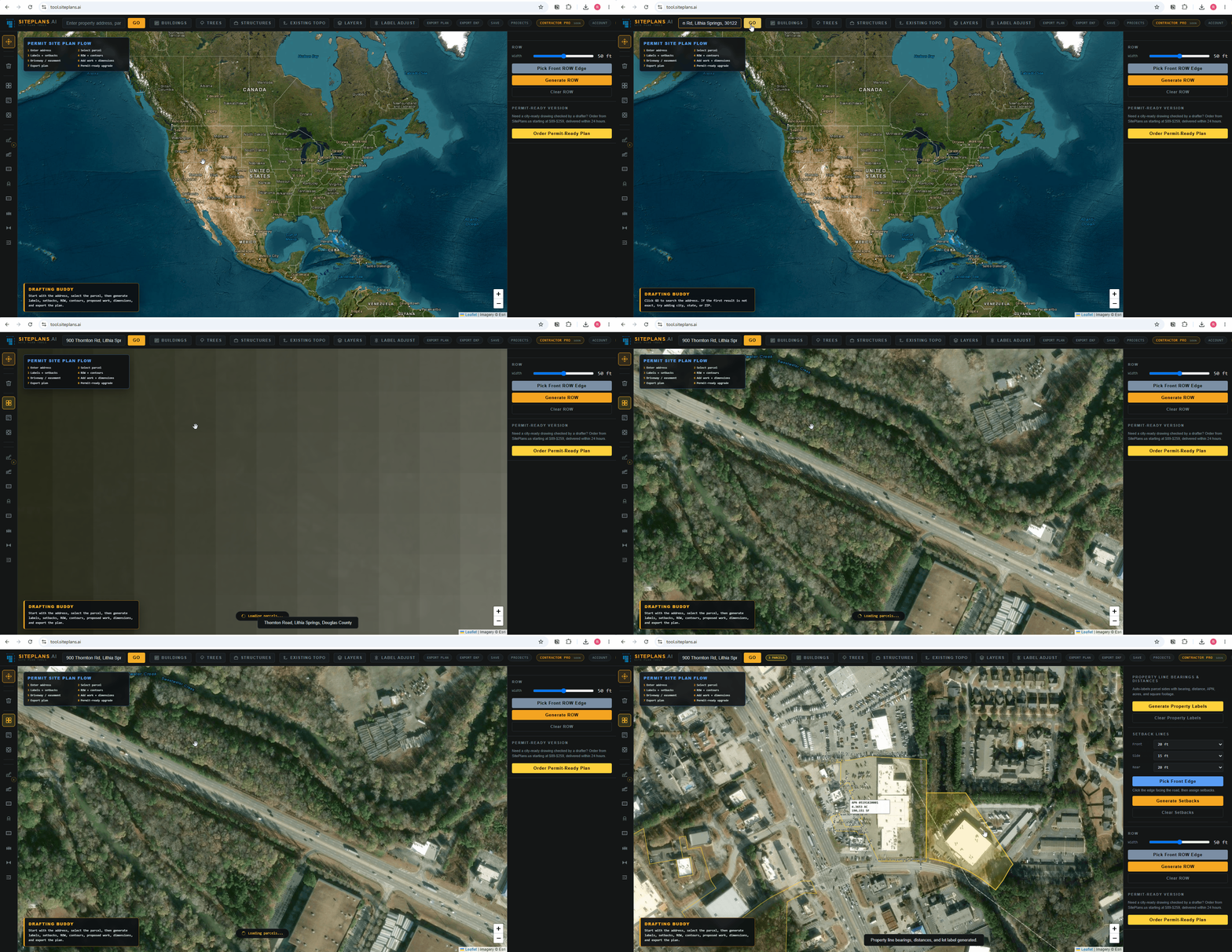
Every Support article here answers one exact question — how to enter your address, place a fence or ADU, generate setbacks, clean up cluttered labels, or export a title sheet your city won't bounce back. No jargon, no fluff, no scrolling through a 40-page manual. Find your step, watch the clip, finish your site plan..
Use the full street address with city and state. If the first result is weak, try the official postal version of the address.
Read address guide
Click the project parcel first. Adjacent parcels may display for context, but the selected parcel drives labels, setbacks, and export.
Read parcel guide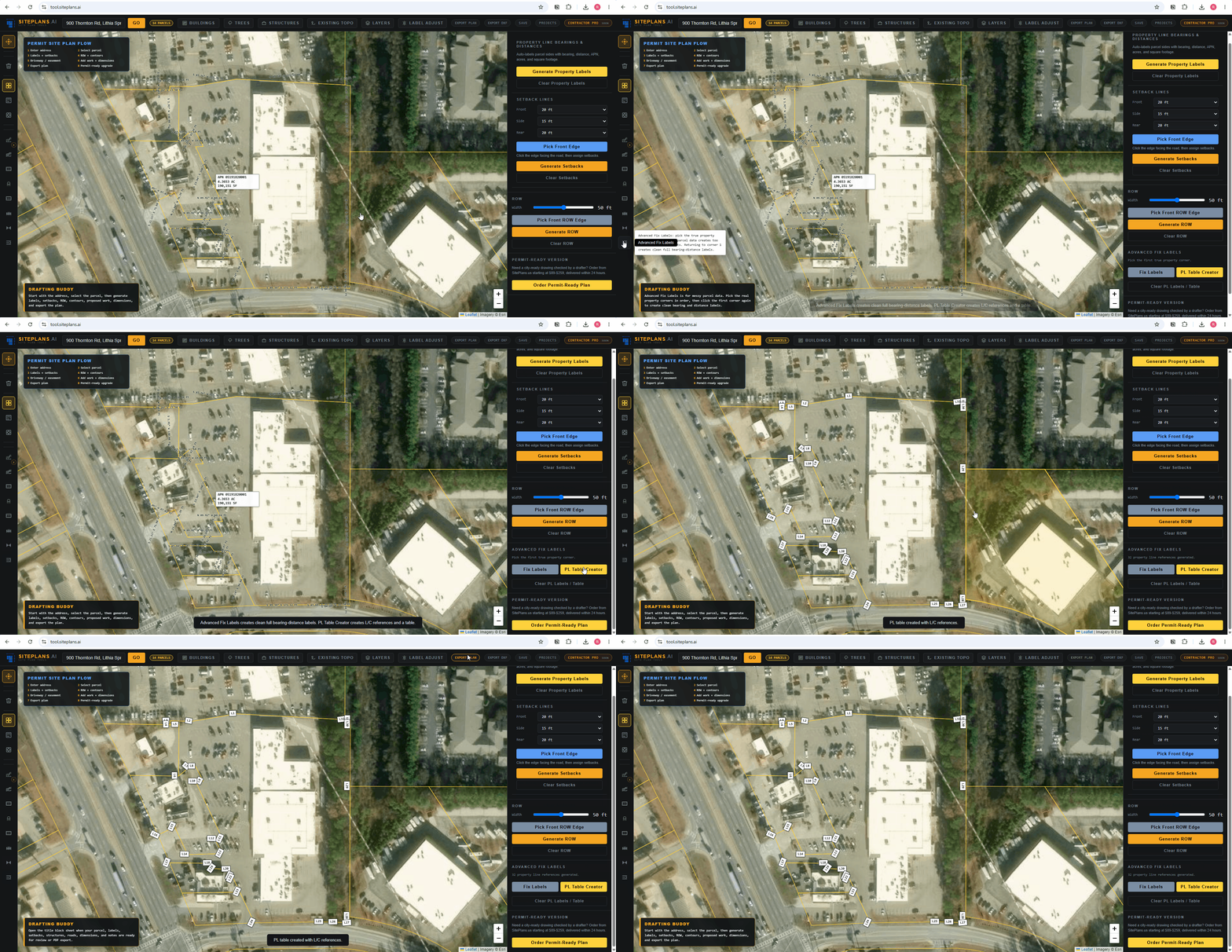
Pick the front property edge facing the road, then generate front, side, and rear setback lines for the plan.
Read setbacks guide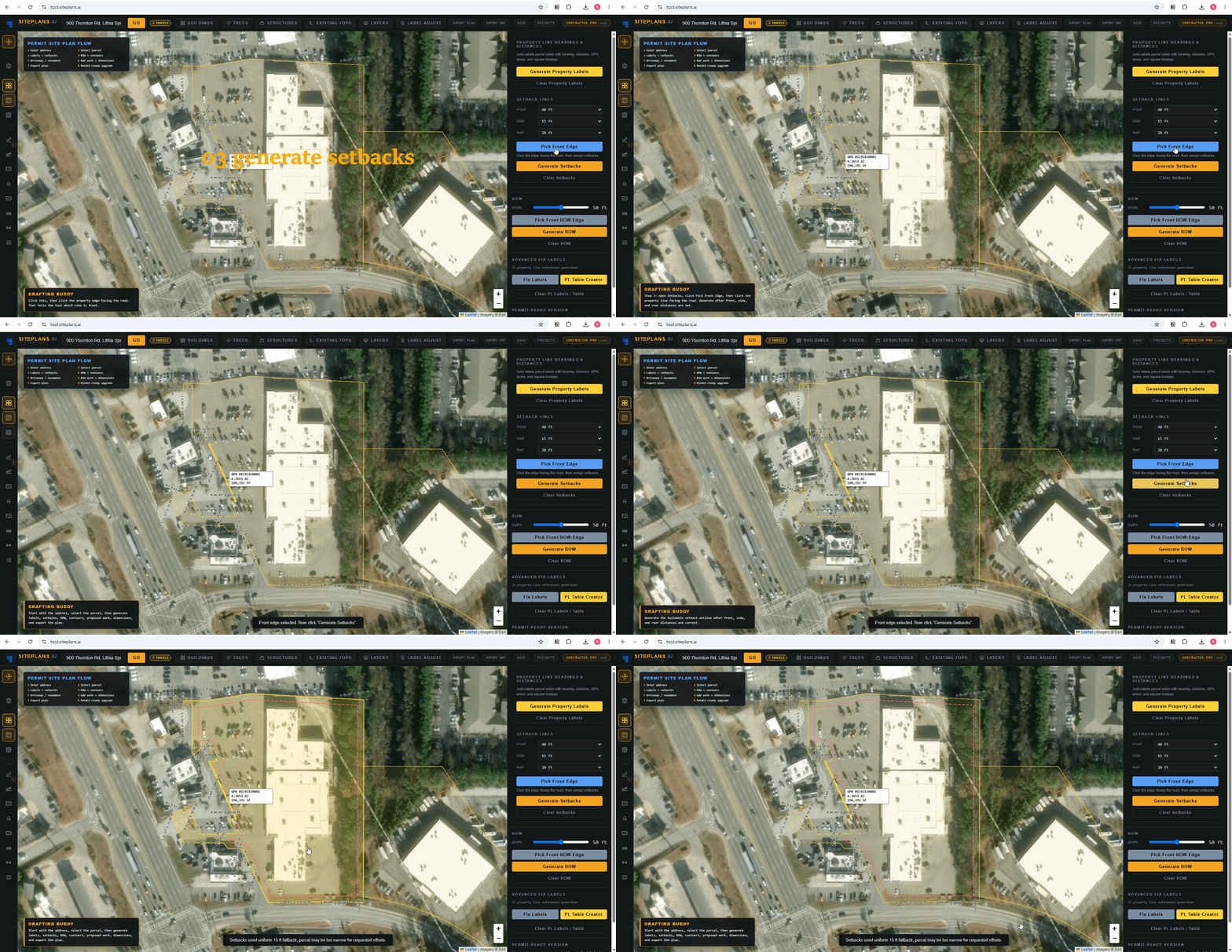
Place the proposed shed, deck, patio, pool, garage, ADU, or other project feature, then resize and label it clearly.
Read structure guide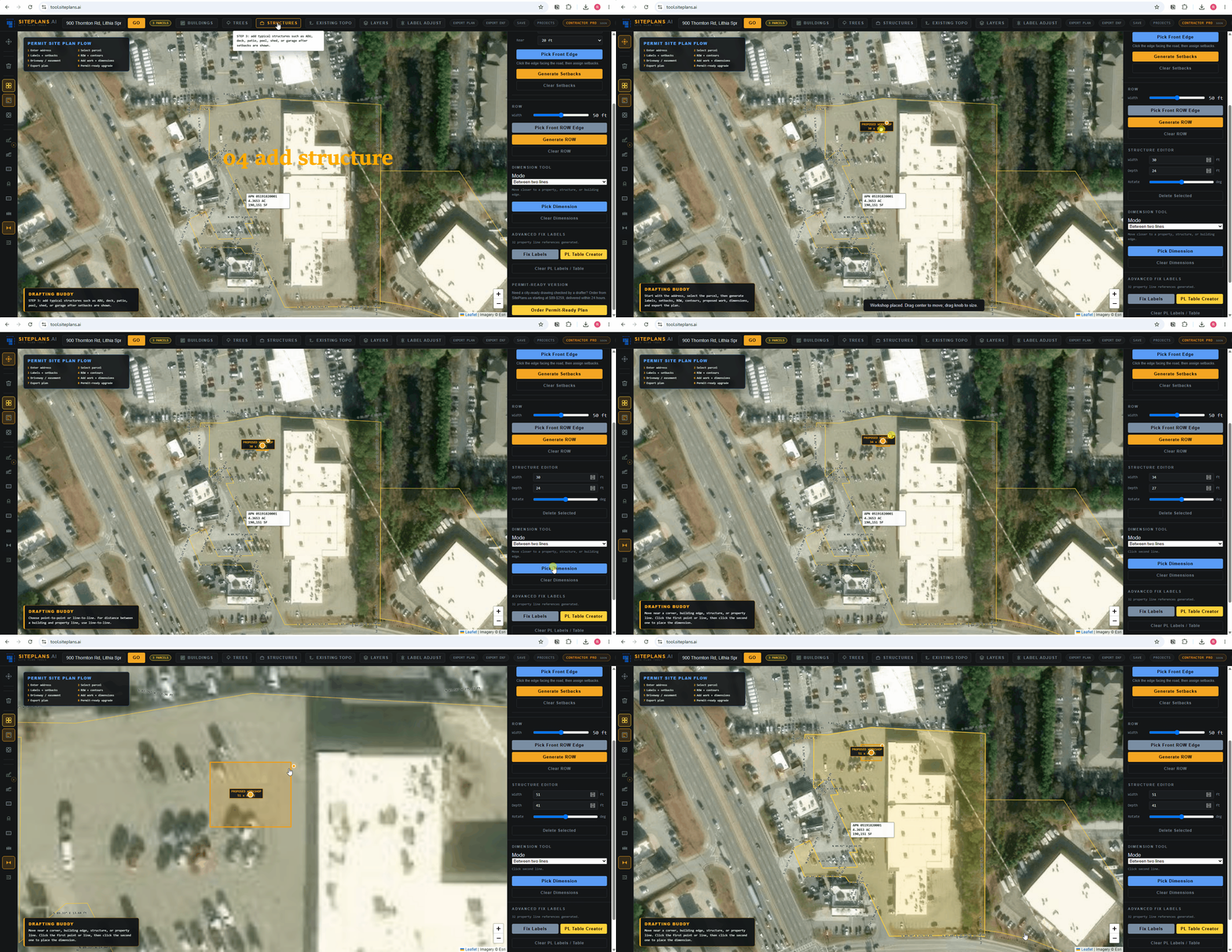
Open the title sheet and review the viewport, property data, legend, notes, and project fields before exporting.
Read title sheet guide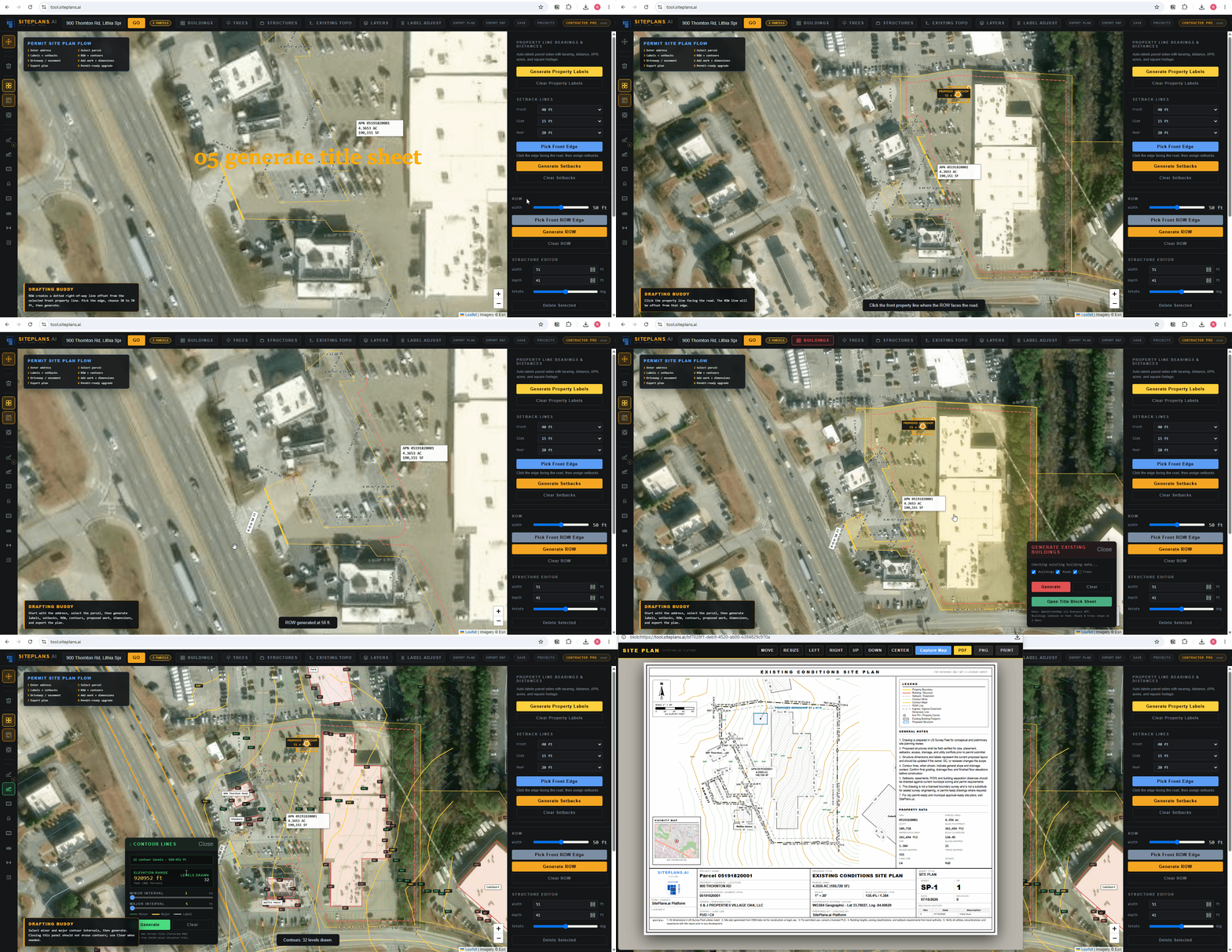
Open the title sheet, confirm the parcel is centered, then export the PDF. Use the done-for-you path when the city requires stricter formatting or review.
Read PDF export guide